
Blog
How to Build and Monetize an Automated Video Website with WP-Script in 2026

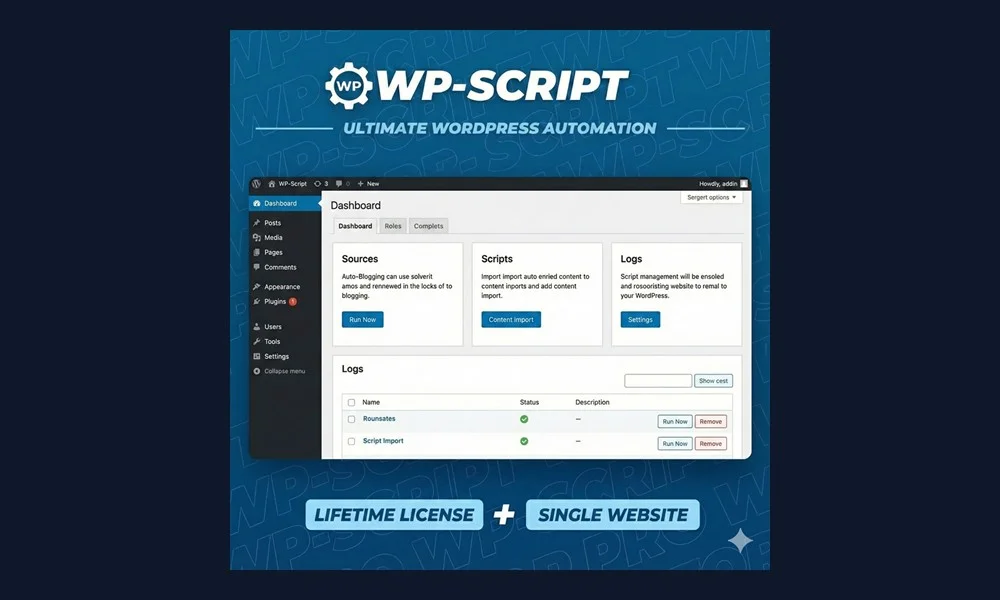
Online video consumption accounts for over 82% of all global internet traffic. Building a high-traffic video tube website or streaming aggregator remains one of the most profitable online publishing business models. However, manually uploading thousands of videos and formatting players takes immense time and massive server bandwidth.
That is why professional video webmasters rely on WP-Script. With an authentic WP-Script License Key Bundle, you can automate video importing, embed external video streams without eating storage space, and monetize traffic with high-paying video advertising networks. In this comprehensive 2026 blueprint, we guide you through building an automated video empire on WordPress.
Why WP-Script is the Industry Standard for Video Sites
WP-Script is not just a theme—it is a complete video publishing operating system designed for high concurrency and heavy traffic:
- Bandwidth-Free Video Embedding: Stream high-definition videos from external sources without paying expensive video hosting bills.
- Automated Mass Importing: Harvest thousands of categorized videos, tags, duration timestamps, and thumbnails in minutes.
- Advanced HTML5 Video Player (WPS Player): Monetize video playback with pre-roll, mid-roll, post-roll, and VAST/VPAID video advertising networks.
- High-Speed Tube Themes: Purpose-built themes like KingTube and FamousTube load in under 1 second even with dozens of video thumbnails per page.
The Step-by-Step Blueprint to Launch Your Video Site
Step 1: Choose the Right High-Performance Video Theme
Select a responsive theme engineered for video viewing habits:
- KingTube: The modern standard with responsive thumbnail scrubbing, actor profiles, and dark mode styling.
- FamousTube: Minimalist, ultra-clean video portal layout with high-visibility ad locations.
- TikSwipe: Mobile-first vertical swipe feed inspired by TikTok and Reels.
Step 2: Automate Video Feeds with WPS Mass Grabber & Embedder
Install WPS Mass Embedder and WPS Mass Grabber. Configure recurring cron jobs to pull trending video feeds automatically into your designated categories. The tools extract titles, descriptions, performer tags, and thumbnail galleries automatically.
Step 3: Supercharge Monetization with WPS Player
Replace generic embeds with WPS Player. Plug in your ad tags from top video ad networks (like ExoClick, TrafficJunky, PropellerAds, or Google Ad Manager) to serve high-eCPM pre-roll video ads and floating banners.
Step 4: Protect Ad Revenue with WPS AdBlocker Detector
Over 40% of video consumers utilize ad blockers. Install WPS AdBlocker Detector to prompt viewers to whitelist your website before streaming.
Monetization Channels for Video Websites
| Monetization Channel | Average Revenue Potential | Tool Required |
|---|---|---|
| VAST Pre-Roll Video Ads | $3 – $15 CPM | WPS Player |
| VIP Paid Subscriptions | $9.99 – $29.99 / Month | WPS Paywall |
| Display Banners & Native Ads | $1 – $4 CPM | KingTube Theme |
Why You Need an Authentic WP-Script License Key
Third-party video platforms frequently alter their API structures. Nulled video scripts break constantly, leaving you with thousands of dead video links and corrupted thumbnails. Furthermore, nulled copies often contain hidden malicious scrapers that redirect your traffic.
With an authentic WP-Script License Key Bundle from WP Original Key, you receive 1-click dashboard auto-updates, ensuring your scrapers and players remain operational around the clock. Read our security breakdown on genuine license keys vs GPL in WordPress.
Frequently Asked Questions (FAQ)
Do grabbers and players update automatically?
Yes. With our genuine license key, all WP-Script themes and plugins update directly inside your WordPress dashboard with 1 click. Check out our guide on how auto-updates work.
Do I need a dedicated server to start?
No! Because WPS Mass Embedder streams videos from source networks rather than hosting video files on your server, you can start on standard cloud or VPS hosting.
How quickly do I receive the license key?
License details and activation steps are delivered immediately upon checkout.
Related Reading: Ensure your video platform stays secure and receives uninterrupted updates by learning how WordPress dashboard auto-updates work with authentic license keys and the critical security risks detailed in our GPL vs Original License Key Guide.


