
Blog
Essential Addons for Elementor Pro Review: 90+ Widgets That Supercharge Your Designs

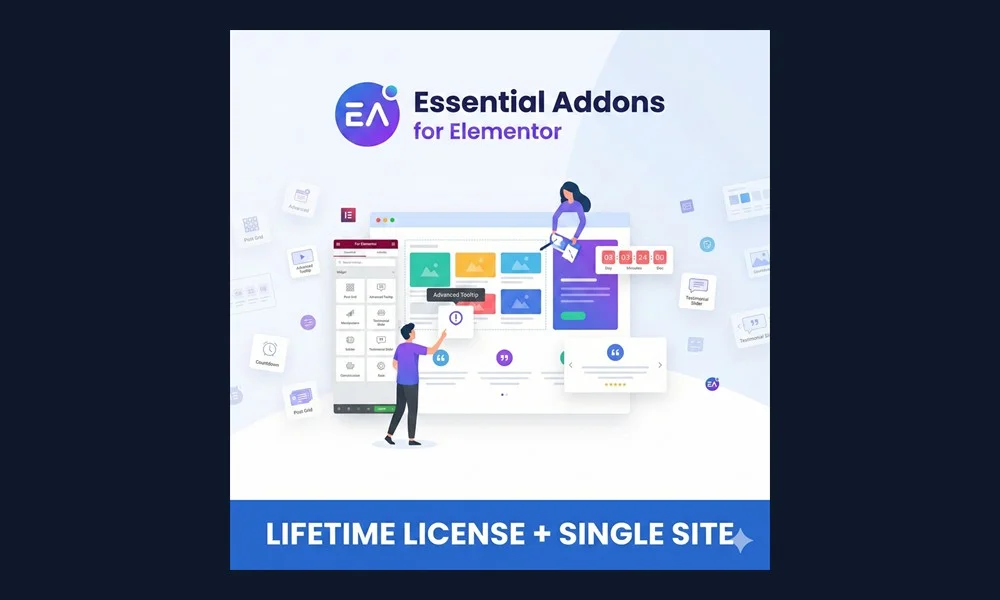
Elementor Pro gives you unmatched visual design control over your WordPress website, but what happens when you need advanced interactive elements like dynamic post grids, data tables, interactive pricing toggles, or cross-domain copy-pasting? That is where Essential Addons for Elementor Pro by WPDeveloper enters the arena.
With more than 1 million active installations, Essential Addons (EA) is the most popular third-party widget library for Elementor. In this comprehensive 2026 review, we analyze its standout features, performance optimization, workflow extensions, and whether it deserves a place in your design arsenal.
What is Essential Addons for Elementor Pro?
Essential Addons Pro is a feature-rich extension suite that adds over 90+ advanced widgets and creative extensions to your Elementor panel. Rather than building complex layouts from scratch or adding heavy custom JavaScript, EA Pro gives you drag-and-drop elements that look professional right out of the box.
Top Standout Widgets in Essential Addons Pro
1. Dynamic Post Grid & Smart Post List
Showcase your articles, portfolios, or custom post types in magazine-style grids with live search, category tabs, and smooth AJAX pagination. Perfect for content-heavy news sites and blogs.
2. Advanced Data Table & Pricing Tables
Creating responsive tables in WordPress is notoriously difficult. EA Pro includes an interactive Data Table widget with CSV/Google Sheets import, sorting, and search filters, alongside interactive pricing tables with monthly/annual switch toggles.
3. Interactive Promo & Parallax Scroll
Engage visitors with 3D tilt effects, interactive cards, and multi-layer parallax scrolling backgrounds that give your landing pages a modern, agency-grade aesthetic.
4. Protected Content Widget
Lock specific sections of your page behind password protection or user role restrictions without needing a bloated membership plugin.
5. Form Styler Elements
Visually style forms created with Fluent Forms, Contact Form 7, WPForms, and Gravity Forms directly inside the Elementor editor.
Performance Analysis: Does Essential Addons Slow Down Your Site?
A common concern when adding widget packs is page bloat. Fortunately, WPDeveloper engineered Essential Addons with a Modular Control System:
- Individual Widget Toggles: You can enable only the specific widgets you use and disable the rest in the EA settings. Disabled widgets load zero CSS or JS assets.
- Asset Minification: Essential Addons automatically compiles and minifies its CSS and JavaScript for faster loading.
- Core Web Vitals Friendly: Built with clean markup that integrates seamlessly with caching solutions like LiteSpeed Cache.
Creative Extensions: Game-Changing Workflow Features
Beyond individual widgets, EA Pro includes powerful extensions that enhance Elementor’s native capabilities:
- Cross-Domain Copy-Paste: Copy any section, container, or widget from one WordPress site and paste it directly onto another site with a single click.
- Conditional Display: Show or hide elements based on user login status, browser type, operating system, or date ranges.
- Content Protection: Restrict content based on user roles or passwords.
Pricing & How to Get an Authentic License Key
Official developer pricing for Essential Addons Pro can be costly, especially for single-site creators. At WP Original Key, you can get an authentic Essential Addons for Elementor Pro License Key starting from just $6.99 with full 1-click dashboard auto-updates.
Pairing Essential Addons with NotificationX Pro (also by WPDeveloper) gives you an unbeatable combination of visual design and high-converting social proof marketing.
Final Verdict: Is Essential Addons Pro Worth It?
If you want to create sophisticated, interactive websites that stand out from cookie-cutter designs while saving dozens of hours of custom CSS coding, Essential Addons Pro is an absolute must-have.
Frequently Asked Questions (FAQ)
Do I need Elementor Pro to use Essential Addons Pro?
No! Essential Addons Pro works with both free Elementor and Elementor Pro.
Can I update Essential Addons Pro directly from my dashboard?
Yes. With a genuine license key from WP Original Key, updates happen seamlessly in Dashboard → Updates. Check out our guide on how auto-updates work with authentic license keys.
Is using GPL or nulled Essential Addons safe?
No. Nulled copies often contain malware that compromises client security. Learn why smart site owners select a genuine license key vs GPL.
Further Reading:
- Master your page builder setup with our Elementor Pro License Activation Guide and buy a genuine Elementor Pro License Key.
- Weighing performance vs features? Read our Spectra Pro vs Elementor Pro comparison.
- Grab your genuine Essential Addons for Elementor Pro License Key directly from WP Original Key.


