
Blog
GPL vs Original License Key in WordPress: Complete Security & Comparison Guide (2026)

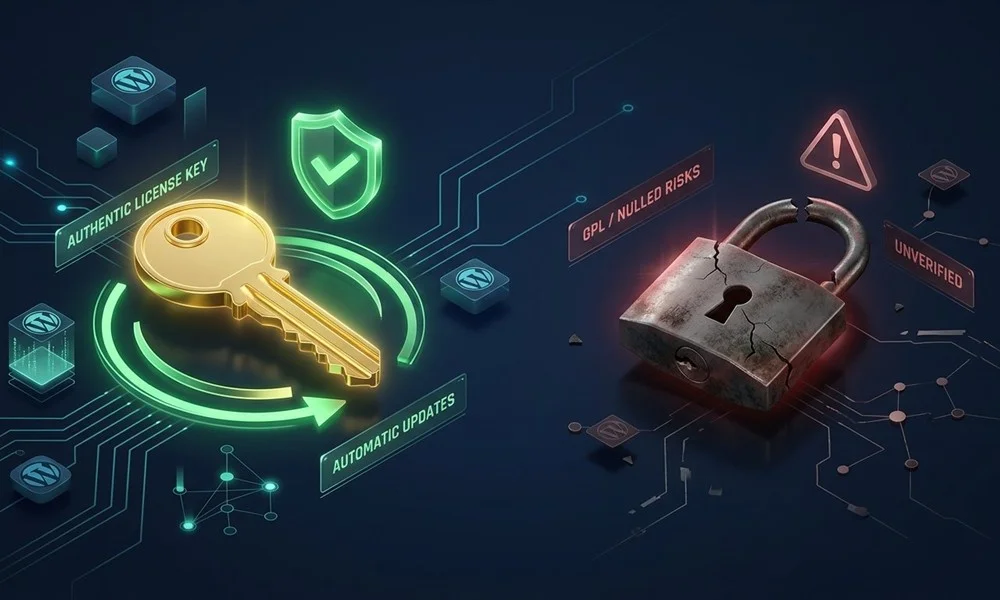
If you build, manage, or optimize WordPress websites, you have almost certainly encountered the debate between GPL clubs and authentic developer license keys. With thousands of premium themes and plugins available, cost-conscious developers, agencies, and business owners frequently ask: What is the real difference between a GPL version and an original license key? Is it worth paying for genuine activation?
In this comprehensive guide, we unpack the mechanics of WordPress licensing, the technical realities of dashboard auto-updates, the genuine security hazards of nulled software, and how authentic license keys protect your search engine rankings and business reputation.
1. Understanding the GPL (General Public License) in WordPress
WordPress is open-source software distributed under the GNU General Public License (GPLv2 or later). Under the terms of the GPL:
- Code Freedom: Any derivative work based on WordPress PHP code inherits the GPL license, allowing users to modify, inspect, and redistribute the underlying code.
- The Distinction Between Code and Services: While the PHP code itself is open under the GPL, the license key, access to cloud template libraries, proprietary API endpoints, and official update servers belong exclusively to the original developer.
This is where misunderstanding often arises. A “GPL club” redistributes raw plugin files legally under the software license, but they cannot provide official developer license keys or direct dashboard integration with developer update servers.
2. Original License Key vs GPL vs Nulled Software: The Comparison Matrix
To understand the practical implications for your website’s performance and security, examine how each tier functions in production:
| Feature / Attribute | Original License Key | GPL Club Version | Nulled / Cracked File |
|---|---|---|---|
| Dashboard Auto-Updates | 1-Click Instant Updates | Manual FTP / Re-upload | No Updates / Broken |
| Pro Template Cloud Access | Full Official Access | Restricted / Offline only | Blocked by Cloud Firewalls |
| Code Cleanliness & Safety | 100% Untouched & Clean | Varies / Delayed Patches | High Risk of Malware/Backdoors |
| Zero-Day Vulnerability Protection | Immediate Notification | Days or Weeks Lag | Zero Protection |
| Google SEO Safety | 100% Safe | Risk of Outdated Exploit | Severe Risk of De-indexing |
3. Why Dashboard Auto-Updates Are Vital for SEO and Security
Over 90% of WordPress security compromises stem from outdated plugins and themes carrying unpatched vulnerabilities. When a security research team reports a zero-day flaw in a popular plugin (such as a form builder or page builder), the developer issues a security update within hours.
With an original license key activated on your domain:
- Your WordPress core installation receives the update notification automatically via the WordPress REST API.
- You can update with a single click or enable automatic background security updates.
- Your database, customer records, and checkout gateways remain fully shielded without downtime.
Conversely, without a live license key, website owners must constantly check third-party forums or wait for a manual zip file to be re-uploaded. In that window of delay, malicious automated botnets scan and exploit vulnerable endpoints, destroying your Google search ranking overnight through spam link injection and browser warnings.
4. The Hidden Costs of Nulled Software: SEO Penalties & Google Blacklisting
Many webmasters fall into the trap of downloading “nulled” versions—plugins that have been reverse-engineered to disable license verification. Cybercriminals routinely embed sophisticated payloads into nulled code, including:
- SEO Cloaking Scripts: Malicious code that serves legitimate content to human visitors but outputs thousands of hidden casino or pharmaceutical backlink redirects exclusively to Googlebot.
- Cryptominers & Cron Backdoors: Silent processes running in your server background that exhaust CPU resources, triggering severe host suspensions and sluggish Time to First Byte (TTFB).
- Database Exfiltration: Scripts that capture customer credentials, order details, and API keys, leaving you liable under global data privacy regulations.
5. How WP Original Key Bridges the Gap
At WP Original Key, our mission is to eliminate the risks of nulled software by providing 100% authentic WordPress plugins and themes with original license keys at accessible, affordable prices.
When you purchase from our WordPress Plugins & Themes Shop:
- You receive legitimate, functional license keys that connect directly to the official developer update servers.
- You enjoy seamless, one-click automatic updates inside your own WordPress dashboard.
- Your code is 100% authentic, untouched, and secure.
- Every purchase is backed by our dedicated 24/7 technical support and our 7-day money-back guarantee.
Frequently Asked Questions (FAQ)
Can I update plugins directly from my WordPress dashboard?
Yes. Because we provide original license keys, your plugins connect to the authentic developer repository and receive official updates directly inside your WordPress admin dashboard.
Is using GPL software illegal?
Using GPL software is legal because WordPress code is open source. However, using nulled scripts that have been tampered with or contain hidden backdoors introduces extreme technical and legal liabilities.
What if I need help with license activation?
Our team is available 24/7 to guide you through key activation. Contact us via our Contact Page or review our FAQ section for instant guides.
Recommended Next Reads:
- How authentic updates work under the hood: WordPress Dashboard Auto-Updates Architecture.
- Agency toolkit recommendations: Top 10 Essential WordPress Plugins for Agencies.
- Browse genuine, verified developer keys for Elementor Pro, Astra Pro, and Schema Pro on WP Original Key.


